The Year-End Rollover Checklist That Keeps June Mistakes Out of August
Rollover is easy to get burned by. Everything in your Student Information System carries forward at once, so a quiet mistake in June can sit through the summer and surface in August — when it's hardest, most visible, and most disruptive to fix.
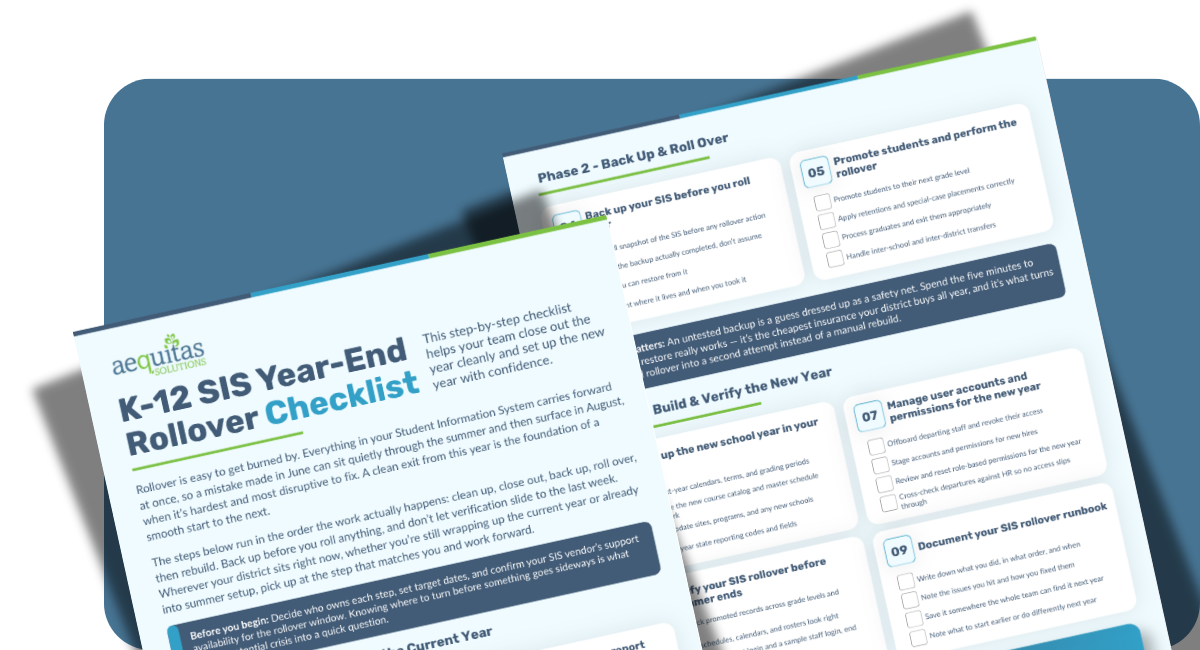
This checklist walks your team through a clean exit and a confident start: clean up, close out, back up, roll over, then rebuild. Wherever your district sits right now, you can pick up at the step that matches you and work forward.
Download the K-12 Year-End Rollover Checklist now and give your team a step-by-step they can actually finish.
Download the Checklist
What's in the Worksheet?
- A 9-step sequence that follows the real order of the work, so nothing critical slips to the last week
- Data hygiene, grade locking, attendance reconciliation, and final CALPADS EOY submissions
- A backup-and-restore step most teams skip and regret
- Promotion, retention, graduate processing, and transfer handling
- New-year setup: calendars, master schedule, user accounts, permissions, and reporting codes

Why it's worth the download
Most rollover advice is a pile of tasks with no order. This is a sequence you can hand to your team, assign owners to, and actually finish, with the gotchas called out before they cost you an August fire drill.
It's built for the people who carry the rollover: SIS administrators who own the rollover button, CALPADS coordinators racing to get EOY submissions certified, registrars juggling promotions and transfers across schools, IT directors managing backups and access, and the small-district staff who wear all of those hats at once.
If you've ever found a broken schedule the week before school starts, or watched a departed staffer's login still work in September, this is for you.